# RareLink Account Management
**Account Creation** \
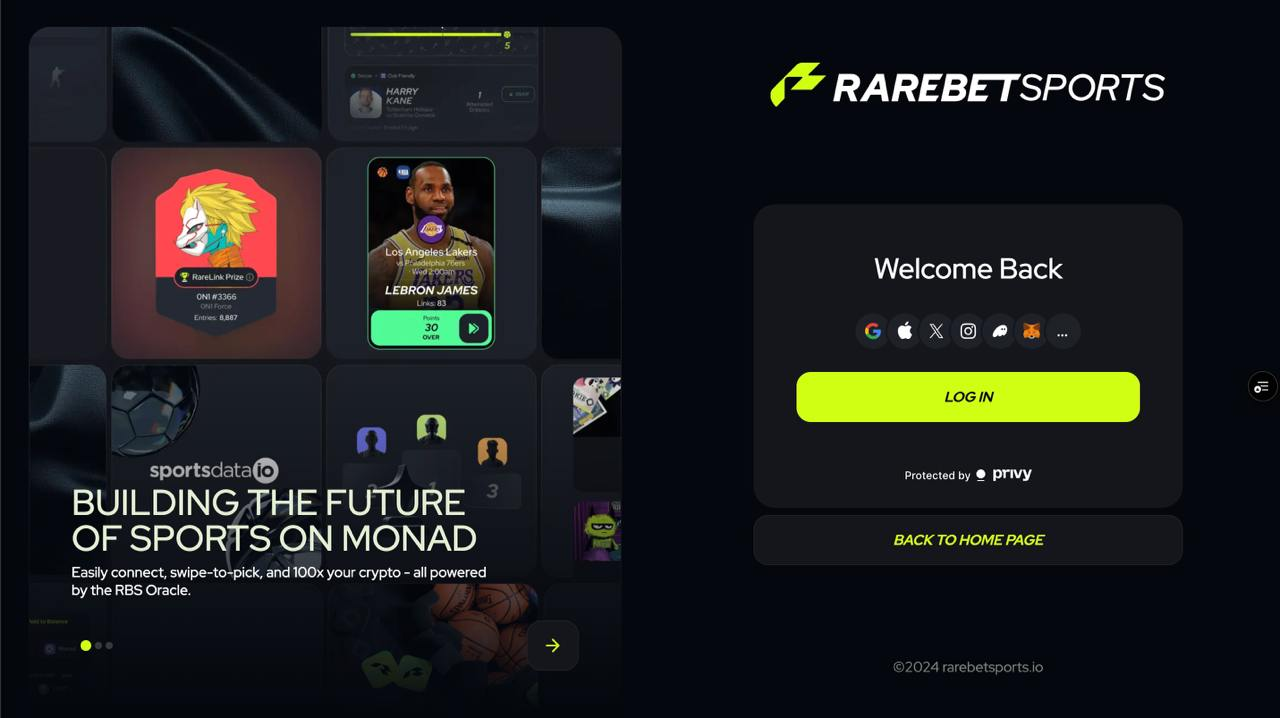
RareBetSports uses Privy to provide an abstracted login experience for all users. Whether your background is in Web2 or Web3, Privy provides a login solution to get your account started up easily. To begin, start with our homepage shown below.
**What is Privy?**\
Privy helps users quickly gain access to web3 apps in a secure manner.\
Privy builds software that powers the user on-boarding and wallet infrastructure for popular crypto applications. In addition, Privy also helps developers unlock the benefits of building with decentralized systems to enable new product experiences for their users.
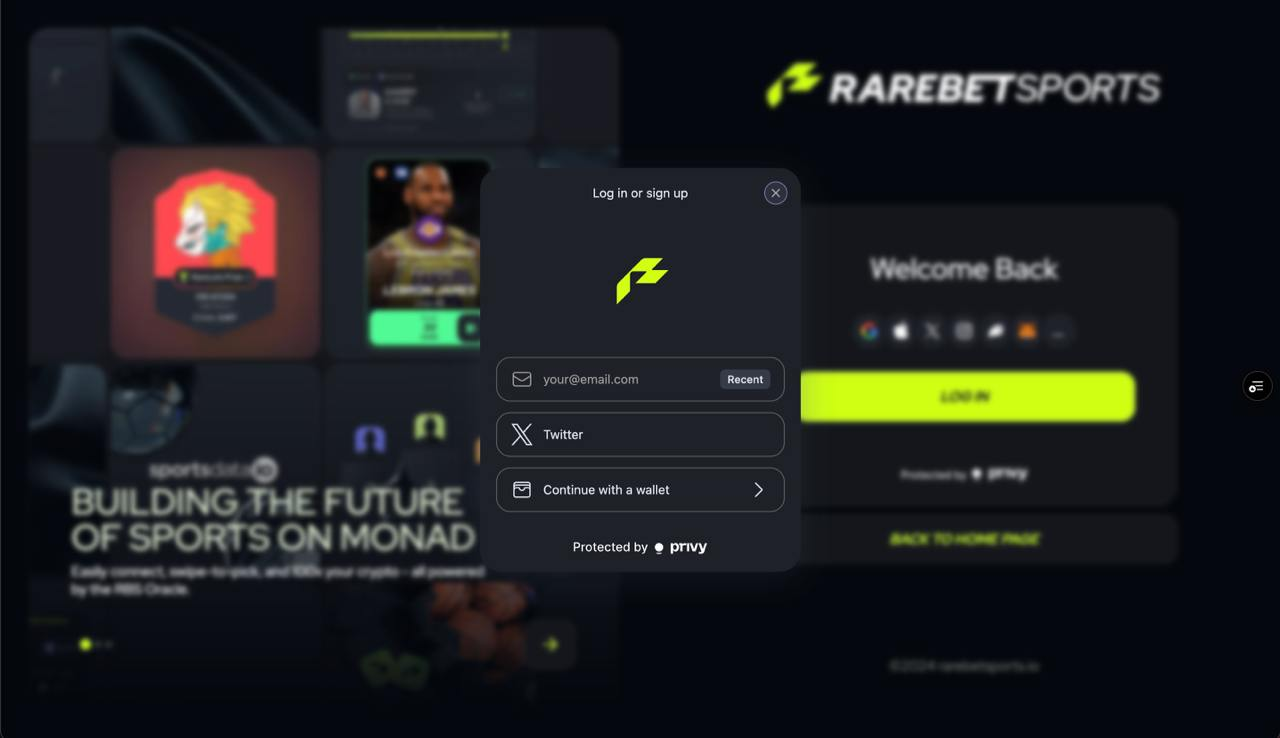
Once you click the "Log In" you will be prompted to enter your email, X handle or connect a crypto wallet.
\
**How Privy works.**\
Privy lets developers easily provision user accounts for all users, whether they know about crypto or not. This means letting users connect with their existing wallet (MetaMask, Coinbase Wallet, etc.) if they already have one, and provisioning an embedded wallet for those who do not.\
\
Wallets allow users to receive assets, sign messages, and transact on the blockchain. Embedded wallets let users do this without any of the traditional complexity associated with securing your own cryptographic keys. Easily start up your own Privy wallet today!\
\
**Account Eligibility**\
Age and Location Restrictions\
In order to use RareLink players must be a minimum of 19 years of age. Additionally, players must reside in a region where DFS is permitted. The United States regulates DFS on a state-by-state basis, and more information can be found here:
\
On a global level DFS regulation varies, so please refer to the guidelines for your country of residence for more information.\
\
**Updating Account Information**\
\
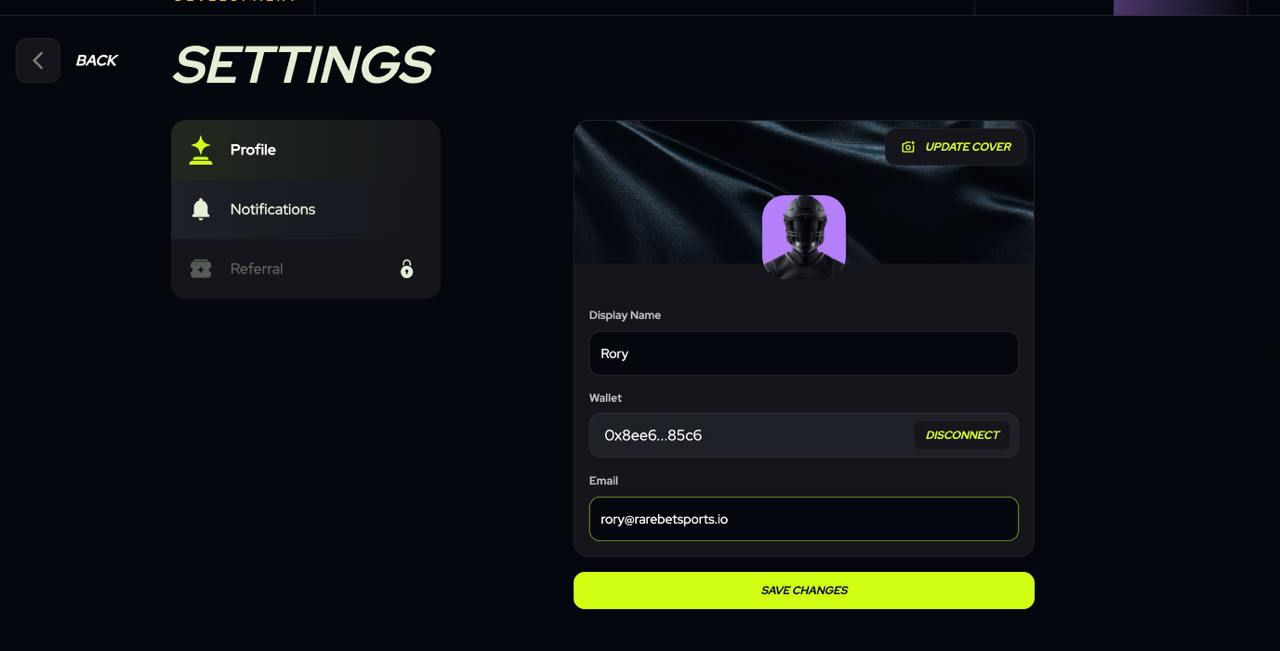
Login to your RBS Account and navigate and click on your player profile in the top right corner, then click the Settings cog in the dropdown below. From here users may now create or change a display name, update a new cover photo or avatar, connect or disconnect their wallet or add an email to their account.\
\
Once changes have been made, don’t forget to click the “Save Changes” button down below